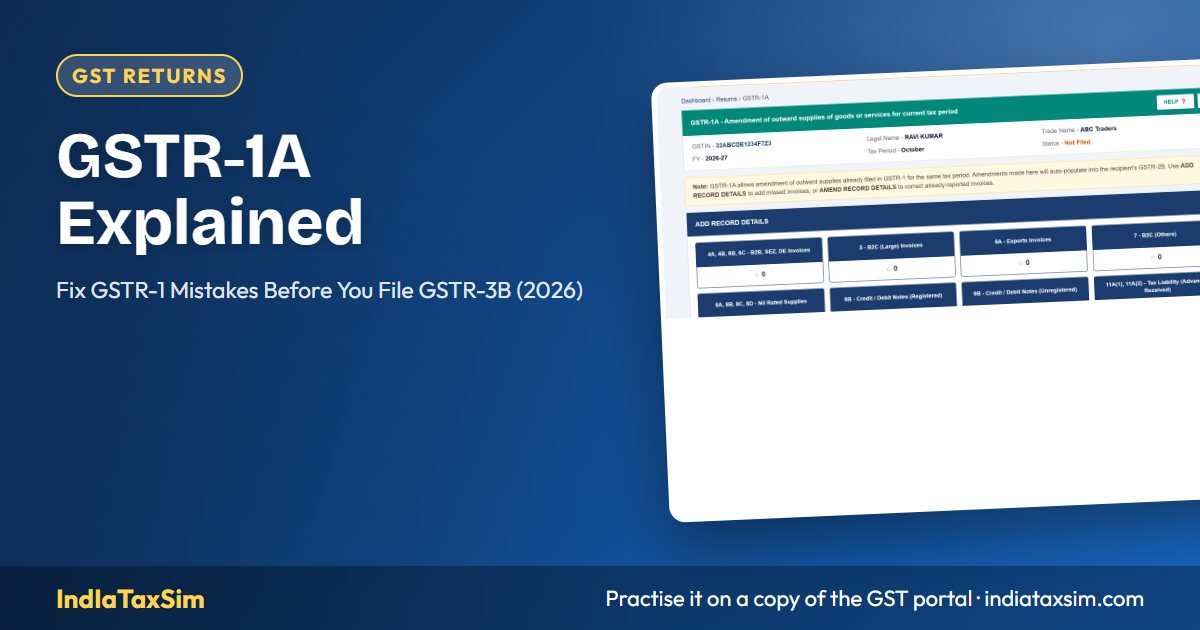
What is GSTR-1A?
GSTR-1A is an optional return that lets a supplier add missed invoices or correct details already reported in GSTR-1 for the same tax period. It was introduced by Notification 12/2024–Central Tax (Rule 59(4A)) and is available from the July 2024 tax period.
Before GSTR-1A existed, a mistake in GSTR-1 could only be corrected in the next month's GSTR-1 (Table 9A/9C). That meant a wrong liability went into GSTR-3B for the current month. GSTR-1A closes that gap: you fix the error before GSTR-3B is filed.
When can you file it?
- Opens: after you file GSTR-1 for the period.
- Closes: when you file GSTR-3B for that same period.
- How many times: once per tax period.
So the window is the gap between your GSTR-1 (11th) and GSTR-3B (20th) for a monthly filer.
Why GSTR-1A matters more since July 2025
From the July 2025 tax period, the tax liability that GSTR-3B auto-fills from GSTR-1, GSTR-1A and IFF (Table 3.1 and 3.2) is not editable in GSTR-3B. If GSTR-1 has a wrong figure, you can no longer just type the right one in GSTR-3B. The correction has to go through GSTR-1A first; GSTR-3B then picks up the corrected values.
What can you change in GSTR-1A?
| You can | Example |
|---|---|
| Add an invoice missed in GSTR-1 | Invoice INV/0045 was issued on 28th but left out |
| Correct the taxable value or tax | ₹1,20,000 typed as ₹12,000 |
| Correct the buyer's GSTIN | Wrong GSTIN means the buyer can't see the invoice |
| Correct place of supply / tax type | IGST charged on an intra-State sale |
| Amend B2CL, exports, credit/debit notes | Export shown with payment instead of under LUT |
The changes also reach the buyer: corrected B2B records appear in the recipient's GSTR-2A and in the Invoice Management System (IMS), where they can accept, reject or keep them pending.
How to file GSTR-1A — step by step
- Login → Services → Returns → Returns Dashboard, choose the financial year and period.
- On the GSTR-1/IFF tile, open GSTR-1A (shown only after GSTR-1 is filed and before GSTR-3B).
- Open the table you need (e.g. 4A B2B), click Add Record for a missed invoice or Amend on an existing one.
- Save, then Generate Summary and check the totals.
- File with DSC or EVC.
- Open GSTR-3B — Table 3.1 now shows the corrected liability.
GSTR-1A vs amendment in the next GSTR-1
| GSTR-1A | Table 9A/9C in a later GSTR-1 | |
|---|---|---|
| Period | Same month, before GSTR-3B | Any later month (till 30 Nov of next FY) |
| Effect on GSTR-3B | Corrects this month's liability | Adjusts the later month's liability |
| Interest | None if paid on time with GSTR-3B | Interest if tax was short-paid earlier |
Common mistakes
- Filing GSTR-3B first. Once GSTR-3B is filed, GSTR-1A for that month is gone — the fix moves to next month's GSTR-1.
- Assuming GSTR-3B can be edited. From July 2025, the outward liability in GSTR-3B is locked to GSTR-1/1A.
- Forgetting the buyer. A wrong GSTIN fixed late means your buyer's ITC is delayed.
Practise it safely
On IndIaTaxSim you file GSTR-1, spot a mistake, correct it in GSTR-1A and then watch GSTR-3B pick up the corrected figure — on a copy of the portal, with no real data at stake. The GST Portal Walkthrough covers it in Module 13.
📚 Continue Learning
📖 You Might Also Like
IndIaTaxSim Team
GST compliance experts building India's most complete GST simulation platform. All articles are reviewed for accuracy against the latest GSTN portal updates.