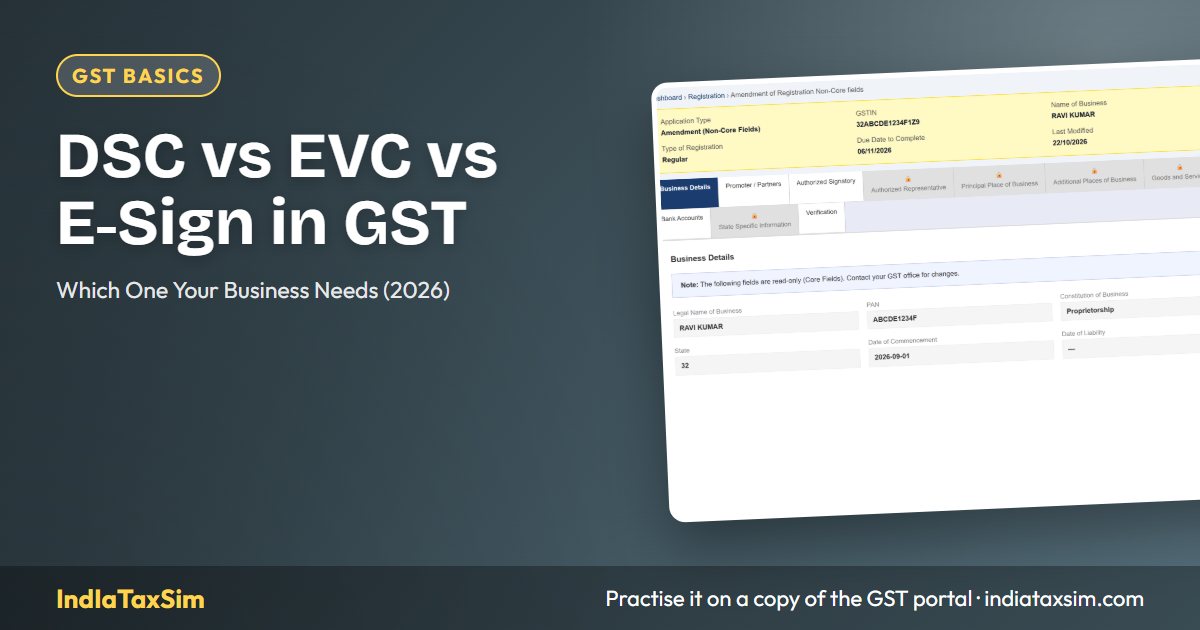
Three Ways to Verify on the GST Portal
Every filing, registration application, or amendment on the GST portal must be digitally verified before submission. The portal offers three verification methods: DSC (Digital Signature Certificate via USB token), EVC (Electronic Verification Code sent as OTP), and E-Sign (Aadhaar-based electronic signature). Which one you use depends on your business type — some entities have no choice and must use DSC. Choosing the wrong method, or failing to set up DSC when required, is a common reason for last-minute filing panic.
DSC (Digital Signature Certificate)
A DSC is an encrypted USB token that holds your digital signature. When you plug it into your computer and enter the PIN, the GST portal reads the certificate to verify your identity. It is the most secure method and is mandatory for certain entity types.
Class 2 vs Class 3 DSC
| Feature | Class 2 DSC | Class 3 DSC |
|---|---|---|
| Verification Level | Identity verified against trusted databases | In-person verification required |
| Use on GST Portal | Accepted for all GST filings | Accepted for all GST filings + e-tendering |
| Who Needs It | Most taxpayers | Businesses participating in government e-tenders |
| Cost (per year) | ₹500 – ₹1,000 | ₹1,500 – ₹2,000 |
For GST portal use, Class 2 DSC is sufficient for all taxpayers. Class 3 is only necessary if you also participate in e-tendering on government procurement portals.
Who MUST Use DSC?
- Private Limited Companies — mandatory
- Public Limited Companies — mandatory
- LLPs (Limited Liability Partnerships) — mandatory
- Public Sector Undertakings (PSUs) — mandatory
- Foreign Companies — mandatory
For these entities, DSC is not optional. The GST portal will not accept EVC or E-Sign for return filing or registration. The DSC must be registered on the portal by the authorised signatory.
Who Can Use DSC (Optional)?
- Proprietorship firms
- Partnership firms
- Hindu Undivided Family (HUF)
- Trusts and Societies
- Individuals
These entities can use DSC voluntarily, but they also have the option to use EVC.
How to Register DSC on the GST Portal
- Obtain a DSC from a licensed Certifying Authority (e-Mudhra, Sify, Capricorn, (n)Code, or an empanelled CA).
- Install the DSC driver on your computer. The token usually comes with driver software on the USB itself.
- Install emSigner — download from the GST portal (Services → User Services → Download emSigner). This is the bridge between your browser and the DSC token.
- Plug in the USB token and start emSigner.
- Go to Registration → Register DSC on the GST portal. Select the certificate, enter the token PIN, and click Register.
Common DSC Errors and Fixes
| Error | Cause | Fix |
|---|---|---|
| emSigner not detected | emSigner service not running | Start emSigner from Start Menu or reinstall |
| Token not recognised | USB driver missing or token not plugged in | Reinstall token driver, try different USB port |
| No certificates found | DSC expired or not registered with portal | Renew DSC or register it on the GST portal first |
| Certificate expired | DSC validity is typically 1–2 years | Renew through your Certifying Authority before expiry |
| User not authorised | DSC belongs to someone not listed as authorised signatory | Update authorised signatory in registration, or use correct DSC |
| PIN blocked | Wrong PIN entered multiple times | Contact your Certifying Authority to unblock |
EVC (Electronic Verification Code)
EVC is an OTP-based verification — a 6-digit code sent to the registered mobile number or email of the authorised signatory. It is the simplest verification method and does not require any hardware.
Who Can Use EVC?
- Proprietorship firms — allowed
- Partnership firms — allowed
- HUF — allowed
- Individuals — allowed
- Trusts and Societies — allowed (unless registered as a company)
- Companies and LLPs — NOT allowed (must use DSC)
How EVC Works
- Complete your return or application form on the GST portal.
- Select "EVC" as the verification method.
- Choose the mode: OTP on registered mobile or OTP on registered email.
- Enter the 6-digit OTP received.
- The form is submitted and a confirmation ARN is generated.
EVC is available for GSTR-1, GSTR-3B, GSTR-4, CMP-08, registration applications, and most amendments — but only for the entity types listed above.
E-Sign (Aadhaar-Based Electronic Signature)
E-Sign uses your Aadhaar number to generate a one-time electronic signature. It requires your Aadhaar to be linked to your PAN and registered mobile number. E-Sign is available for individuals and proprietors with Aadhaar.
Prerequisites for E-Sign
- Aadhaar number must be linked to PAN
- Mobile number must be registered with Aadhaar
- Available only for Individuals and Proprietors
E-Sign is not available for return filing — it is primarily used during registration and amendment applications. For monthly or quarterly return filings, use DSC or EVC.
Comparison Table: DSC vs EVC vs E-Sign
| Parameter | DSC | EVC | E-Sign |
|---|---|---|---|
| Method | USB token with PIN | 6-digit OTP | Aadhaar OTP |
| Hardware Required | USB token + emSigner | None | None |
| Cost | ₹500–₹2,000/year | Free | Free |
| Available for Companies/LLPs | Yes (mandatory) | No | No |
| Available for Proprietorship/Partnership | Yes (optional) | Yes | Yes (registration only) |
| Return Filing | Yes | Yes | No |
| Registration/Amendment | Yes | Yes | Yes |
| Refund Application | Yes | No (DSC only) | No |
| Validity | 1–2 years | 10 minutes (OTP) | One-time use |
Where Each Method Is Used
| Activity | DSC | EVC | E-Sign |
|---|---|---|---|
| GSTR-1 / GSTR-3B Filing | ✅ | ✅ (non-company) | ❌ |
| New GST Registration | ✅ | ✅ | ✅ |
| Amendment (Core/Non-Core) | ✅ | ✅ | ✅ |
| Refund Application (RFD-01) | ✅ | ❌ | ❌ |
| Registration Cancellation | ✅ | ✅ | ❌ |
| Letter of Undertaking (LUT) | ✅ | ❌ | ❌ |
How to Obtain a DSC in India
DSCs are issued by Certifying Authorities (CAs) licensed by the Controller of Certifying Authorities (CCA) under the IT Act. The major providers are:
- e-Mudhra — largest provider, pan-India presence, online application available at e-mudhra.com
- Sify Technologies — trusted by many corporates, available through sifydigital.com
- Capricorn — strong CA presence, apply at capricorn.in
- (n)Code Solutions — a GNFC company, pan-India
- Empanelled CAs and Practising CAs — many practising Chartered Accountants are empanelled to issue DSCs
Documents required: PAN card, Aadhaar card, passport-size photograph, and address proof. The process typically takes 24–48 hours for Class 2 DSC. For Class 3, in-person verification adds 1–2 days. Some providers now offer cloud-based DSCs that do not require a physical USB token — these are convenient for users without USB ports (like MacBook users) but require stable internet during signing.
Decision Guide by Business Type
- Private Limited / Public Limited / LLP / PSU: Must get a Class 2 DSC. Install emSigner. Register DSC on GST portal before first filing. No alternative method available for return filing.
- Proprietorship: Easiest option is EVC (OTP). DSC is optional but recommended if you file multiple returns monthly.
- Partnership / HUF: Use EVC. DSC is optional.
- Foreign Company: Must use DSC. Obtain from an Indian Certifying Authority — foreign digital certificates are not accepted on the GST portal.
Practice on IndIaTaxSim
At IndIaTaxSim, we simulate the GST portal environment including the verification step. You can practice filing returns using any verification mode relevant to your business type — DSC is simulated for companies and LLPs, while EVC and E-Sign options are available for other entity types. This lets you understand the flow before doing it on the live portal. Start the guided course →
Disclaimer
This article is for educational purposes. DSC requirements and GST portal procedures may change — always verify with the latest GST portal notifications and your Certifying Authority. IndIaTaxSim is not affiliated with GSTN or any Certifying Authority.
📚 Continue Learning
📖 You Might Also Like
IndIaTaxSim Team
GST compliance experts building India's most complete GST simulation platform. All articles are reviewed for accuracy against the latest GSTN portal updates.