What is an e-Way Bill (EWB)?
An e-Way Bill (EWB) is an electronic document required for the movement of goods valued above ₹50,000 (consignment value including GST). It must be generated on the GST portal (or via an API-integrated ERP) before the goods leave the place of dispatch and must accompany the goods during transit. The EWB system was introduced to curb tax evasion by enabling tax officers to verify goods in transit against the declared document in real time.
Every EWB carries a unique 12-digit number. The consignor (seller), consignee (buyer), or transporter can generate it. A single EWB covers the full journey of the goods from the place of dispatch to the place of delivery — it is not limited by state boundaries.
The ₹50,000 Threshold — When is EWB Mandatory?
An e-Way Bill is required when the consignment value exceeds ₹50,000 (including GST). The threshold applies per invoice — if you issue multiple invoices to the same buyer on the same day, each invoice below ₹50,000 does not require an EWB. However, if you combine goods under a single delivery challan or e-Way Bill exceeding ₹50,000, the EWB requirement is triggered.
Exemptions from EWB (even above ₹50,000):
- Fresh vegetables, fruits, eggs, milk, and unbranded food items
- Postal baggage sent through India Post
- Passengers personal baggage
- Goods transported by rail, air, or vessel from outside India to a customs station
- Movement within 50 km intra-state for specified exempt categories
- Gold and precious stones in certain notified situations
- Coal and certain mining products (as per notification)
Who Can Generate an e-Way Bill?
| Party | When They Generate |
|---|---|
| Consignor (Supplier/Seller) | Primary responsibility — generates EWB when goods are dispatched |
| Consignee (Buyer/Recipient) | If the consignor does not generate (e.g., buyer arranges transport) |
| Transporter | If neither party generates, or for multiple consignments in one vehicle |
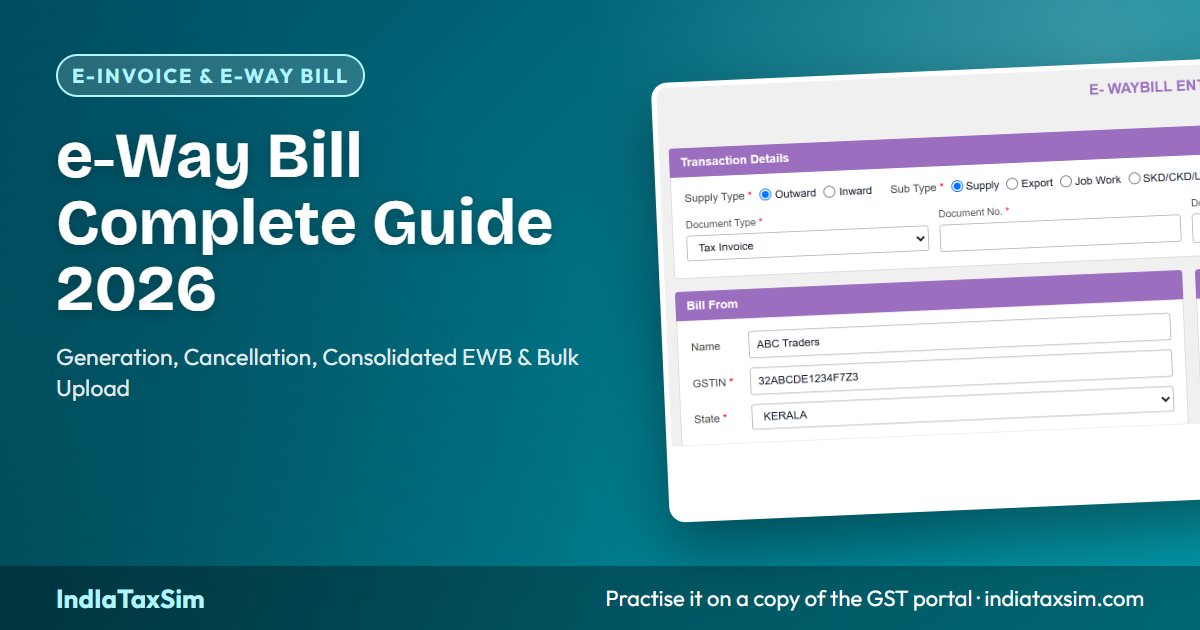
On IndIaTaxSim, the consignor generates the EWB from the Invoice Manager or the dedicated e-Way Bill portal, matching the real GST portal flow.
Generation Methods
1. Invoice Manager (Direct EWB Generation)
When creating a tax invoice, you can simultaneously generate an e-Way Bill by entering the transporter ID and vehicle number. The system generates the EWB along with the invoice, and the EWB number appears on the invoice print. This is the most efficient method for high-volume businesses.
2. Standalone EWB Generation on the Portal
You can generate an EWB independently from the portal: Services → e-Way Bill → Generate New. Enter the invoice details, transport details, and document number. This method is useful when you issue the invoice first and arrange transport later.
3. Bulk JSON Upload
For businesses generating 50 or more e-Way Bills at once, the portal supports bulk upload via a JSON file. The JSON format matches the portal schema and includes all invoice and transport details. ERPs like Tally, Zoho, and Busy can export this JSON directly. Simply upload the file on the portal under Services → e-Way Bill → Bulk Generation. The portal validates each entry and generates EWBs for valid records, returning error codes for rejected ones.
4. API-Based Generation (ERP Integration)
Large businesses with GST Suvidha Providers (GSP) integration generate EWBs via the EWB API. The API uses the same authentication as the portal and returns the EWB number in real time. This is the fastest method for automated workflows.
Parts of an e-Way Bill — Part A and Part B
An e-Way Bill has two parts:
- Part A: Contains the invoice/document details — GSTIN of consignor and consignee, document type and number, HSN code, taxable value, GST rate, and total value. Part A is filled at the time of generation.
- Part B: Contains transport details — transporter ID, vehicle number (for road transport), or transport document number (for rail/air/ship). Part B can be updated after generation (within the validity period).
The distinction is important: you can generate Part A first (when the invoice is ready) and update Part B later (when the vehicle is arranged). This is a common workflow in practice — the invoice is created on day 1, and the goods are loaded on day 2.
Part-B Vehicle Update
If you generate an e-Way Bill without a vehicle number (or with a wrong vehicle number), you can update Part B at any time before the EWB expires. On the portal: Services → e-Way Bill → Update Vehicle Number. Enter the EWB number and the new vehicle number. This is useful when goods are transferred from one vehicle to another mid-transit, or when the originally planned vehicle is replaced. Key rules:
- Part B can be updated multiple times during the EWB validity period.
- Each update generates a new entry in the EWB history, visible to tax officers.
- You cannot update Part B after the EWB has expired.
- For multi-vehicle journeys, you can update Part B each time the goods are transhipped.
e-Way Bill Validity Rules
The validity of an e-Way Bill is calculated from the date and time of generation, based on the distance of travel:
| Distance | Validity (Normal Goods) | Validity (Over-Dimensional Cargo) |
|---|---|---|
| Up to 200 km | 1 day | 1 day per 20 km |
| 200–400 km | 2 days | 2 days |
| 400–600 km | 3 days | 3 days |
| 600–800 km | 4 days | 4 days |
| 800–1000 km | 5 days | 5 days |
| Every additional 200 km | +1 day | +1 day per 20 km |
Note: Validity starts from the generation time, not from the start of the journey. If the EWB validity expires before delivery, the goods may be detained by officers. You can extend the validity within 8 hours of expiry (4 hours before + 4 hours after).
e-Way Bill Cancellation Rules
An e-Way Bill can be cancelled within 24 hours of generation if the goods have not been physically verified by a tax officer in transit. Key points:
- Cancellation is allowed only within 24 hours of generation (not from the start of movement).
- If a tax officer has already verified the goods in transit, the EWB cannot be cancelled.
- If an e-Invoice (IRN) is associated, the IRN must be cancelled first (IRN cancellation also cancels the EWB only if both were generated together).
- Cancelling an invoice on which an EWB was generated does NOT automatically cancel the EWB — you must cancel the EWB separately on the portal.
- After cancellation, a new EWB must be generated if the goods still need to be moved.
What EWB Cancellation Does NOT Do
A common misconception: cancelling the invoice automatically cancels the EWB. This is not true in all cases. The cancellation chain is:
- If you generate the IRN and EWB simultaneously from the e-Invoice JSON, cancelling the IRN also cancels the EWB.
- If you generate the EWB separately (standalone), you must cancel the EWB independently on the portal.
- After cancellation, the EWB number becomes invalid. If goods are still in transit with a cancelled EWB number, officers can detain them.
Consolidated e-Way Bill (CEWB)
A Consolidated e-Way Bill (CEWB) is a single e-Way Bill for multiple consignments transported in the same vehicle. Instead of generating a separate EWB for each consignment (which is required when the goods move under multiple invoices), the transporter generates one CEWB covering all the individual EWBs. Use cases:
- A courier company carrying 40 parcels for 40 different customers in the same truck
- A transporter consolidating goods from different suppliers to one buyer
- A logistics provider with multiple part-load consignments in one vehicle
To generate a CEWB: Services → e-Way Bill → Consolidated e-Way Bill → Generate New. Enter the vehicle number and the list of EWB numbers being consolidated. Each individual EWB must be valid and not expired. The CEWB is valid for the longest validity among the consolidated EWBs.
Updating Part-B on a CEWB
Like individual EWBs, a CEWB also supports Part-B vehicle update. If the goods are transhipped mid-journey, the transporter can update the vehicle number on the CEWB without cancelling and regenerating each individual EWB underneath.
Extending e-Way Bill Validity
If the goods have not reached their destination within the EWB validity period, the consignor, consignee, or transporter can extend the validity for another period equal to the original validity. The extension must be applied within 8 hours of expiry (4 hours before + 4 hours after). On the portal: Services → e-Way Bill → Extend Validity. Enter the EWB number and the new expected distance. The extension is not automatic — you must apply for it before the EWB expires or within the 8-hour grace window.
Bulk JSON Generation from Tally, Zoho, and NIC
For businesses issuing hundreds of invoices, manual EWB generation is impractical. Most ERPs support bulk JSON export for e-Way Bill generation. The JSON follows a standard format:
- Tally Prime: Supports direct EWB generation from the invoice voucher. Tally exports the EWB JSON, which can be uploaded to the portal for bulk generation. Tally also supports API-based generation via the Tally Gateway.
- Zoho Books: Includes built-in e-Way Bill generation. When you create an invoice and enter transport details, Zoho generates the EWB via API in the background. It also supports bulk EWB generation for all invoices in a selected batch.
- NIC E-Way Bill System: The official NIC portal (ewaybillgst.gov.in) provides a bulk upload facility. Download the template, fill the invoice and transport data, and upload. The system validates row by row and returns success/error status for each entry.
My e-Way Bills — Dashboard Filters
The portal provides a dashboard to view all generated EWBs with powerful filter options:
- Status filters: Active, Cancelled, Expired
- Date range: Filter by generation date
- Type: Normal, Consolidated
- Vehicle filter: Search by vehicle number
- GSTIN filter: View EWBs for a specific GSTIN (useful for multi-state businesses)
Each row shows: EWB number, generation date, consignor GSTIN, consignee GSTIN, invoice number, total value, validity, and status. Click on any EWB to view the detailed print.
Penalties for EWB Non-Compliance
Transporting goods without a valid e-Way Bill, or with a cancelled/expired EWB, attracts penalties under Section 122 of the CGST Act:
- Penalty of ₹1,00,000 under CGST Act (plus equal amount under SGST Act, totalling ₹2,00,000) or 100% of the tax evaded, whichever is higher.
- Goods in transit can be detained and released only after payment of applicable tax and penalty.
- Repeated offences may lead to prosecution.
Common EWB Mistakes to Avoid
- Generating EWB with wrong distance: If you underestimate the distance, the EWB expires before delivery. Use Google Maps or an authorised distance calculator.
- Forgetting Part B: An EWB without a vehicle number (Part B) is valid but cannot be used for transit verification. Officers may detain the goods and ask to see a complete EWB.
- Not updating Part B after transhipment: If goods are transferred mid-journey, the new vehicle number must be updated — the old vehicle with a different number does not protect you.
- Using a cancelled EWB for fresh movement: A cancelled EWB cannot be reused. Generate a new one.
- Not cancelling EWB when invoice is cancelled: The two are not automatically linked in all cases. Cancel the EWB separately if needed.
Practice e-Way Bill on IndIaTaxSim
IndIaTaxSim provides a complete e-Way Bill simulation: standalone generation from the e-Way Bill portal, auto-generation from the Invoice Manager, Part-B vehicle update, outward EWB listing, cancellation within 24 hours, consolidated CEWB generation, and bulk JSON upload. You can practice the full lifecycle — from generation to expiry to cancellation — exactly as on the real GST portal. Explore the e-Way Bill course modules →
Disclaimer
Educational content only. EWB rules, distances, and penalty provisions are subject to change by CBIC notifications. Always verify current rules on the official e-Way Bill portal before live operations.
📚 Continue Learning
📖 You Might Also Like
IndIaTaxSim Team
GST compliance experts building India's most complete GST simulation platform. All articles are reviewed for accuracy against the latest GSTN portal updates.